Guide 04
Bring in the people already in your phone
The people already in your phone, without retyping
The problem
Clients, crew and subs are already in your phone under quick labels. Retyping them into a new app is the chore that stops you starting.
What Zeus does
Import from Contacts reads your address book, tags each person as Client, Team member, Helper or Sub, and brings them in as one batch.
Do this
Start on Import from Contacts
- More
Already in your phone as "Dave Plumber"
- Import from Contacts
Import without retyping a number
- Type intoSearch Contacts
Search for the person
- Client
Tag: Client, Team, Helper or Sub
- Edit Record
The pencil fixes the name
- Name
Select the existing name text in Name
Look at phone as is
- Save
Fix it once
- Sub
This one's a subcontractor, a different tag, but the same tap
- Review Selection
Review before anything is written
- Import 2
Import. Done
Look at Imported 2 contacts.
- Import History
Then More, then Clients
- Dave Morris
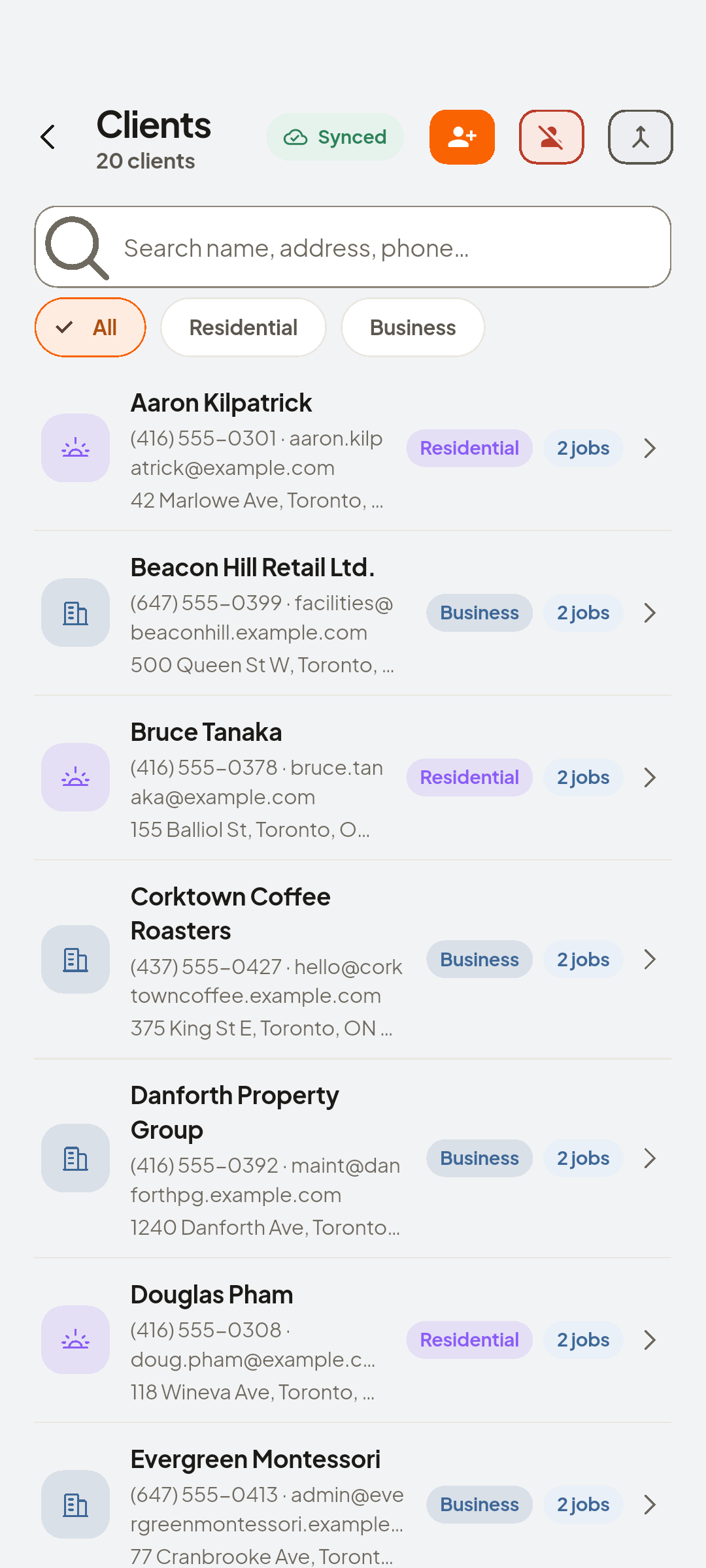
Dave in Clients, ready for a job

You now have
Imported and tagged, with a log of who came in when.
 ZEUS
ZEUS