Guide 02
First-day setup
Ten minutes now, so you never retype it again
The problem
You installed Zeus and the first quote is due tomorrow. Start empty and you will be typing your company name and your prices in a client's kitchen.
What Zeus does
Save your business identity once and your common items once. Every document after this reuses both.
Do this
Start on Home
- More
Then profile header at the top of the Menu
- Edit Business Info
Profile header, then Edit Business Info
- Fill inCompany Name · Address · Phone
Type your company name
Look at Company logo
- Upload Logo
From your gallery
- Use Logo
Adjust, then Use Logo
Look at Adjust Logo
- Save
And future documents can reuse this business identity
- Price Book
Next: the Price Book
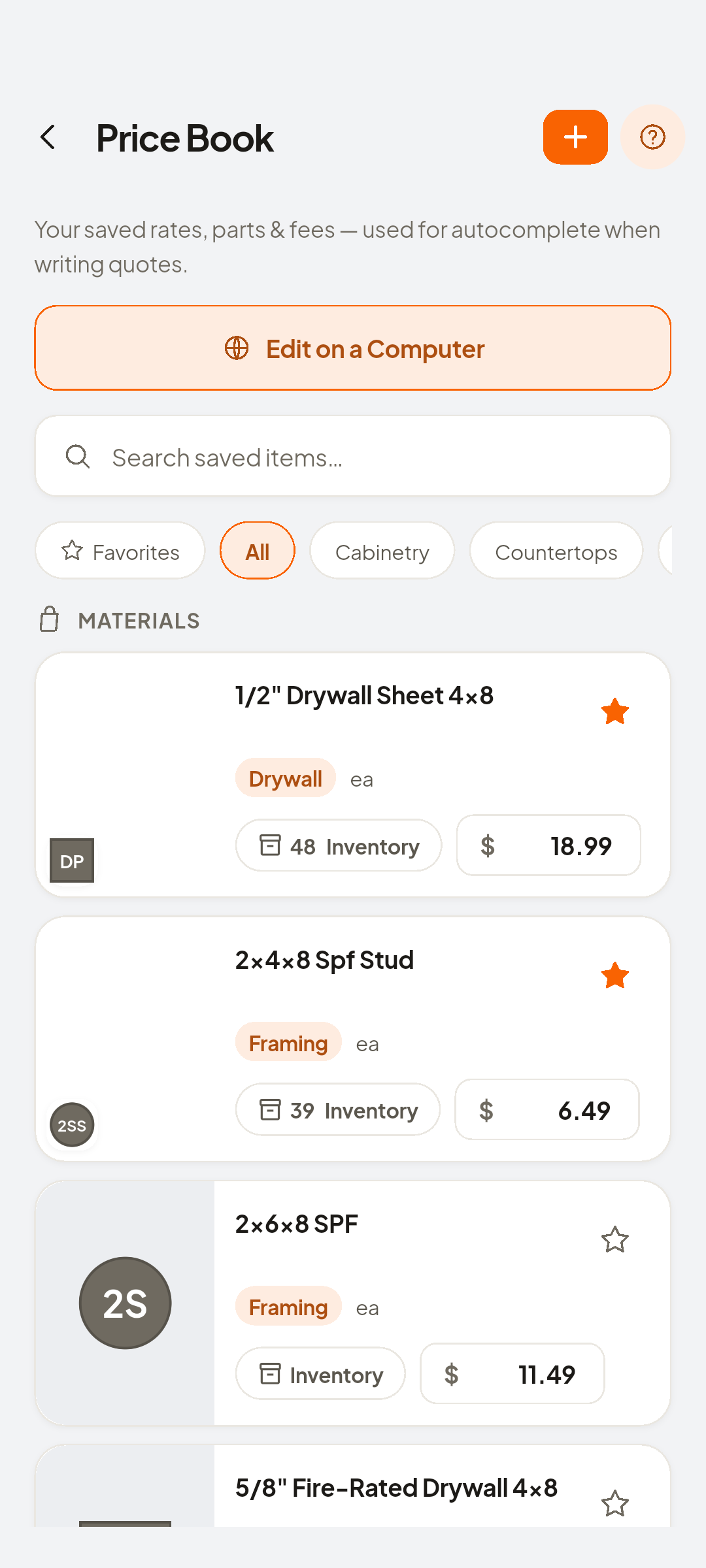
- Add Saved Item
To put the first one in
- Fill inItem Name · Item Category · Unit · Price
Name the item
- Save
Future documents reuse these details

You now have
Saved. Future documents reuse this identity and these prices.
 ZEUS
ZEUS