Guide 36
Inspect with a checklist and flag the issues
Inspect from a sheet, and turn issues into quote lines
The problem
A client wants a pre-sale inspection. You walk it with a notepad, miss two things a list would have caught, and retype the issues into a quote afterwards.
What Zeus does
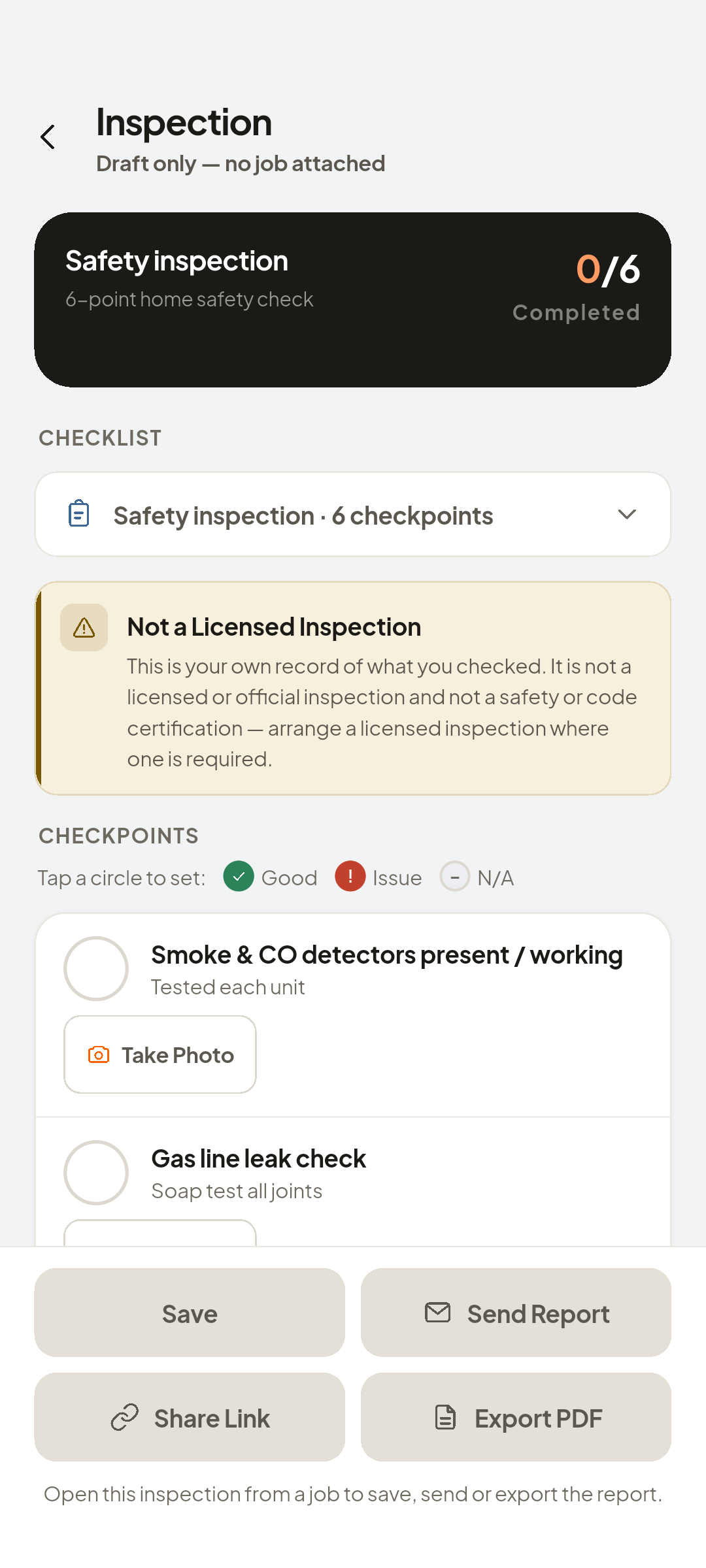
Checklists are ready-made inspection sheets for your trade. Mark each point Good, Issue or N/A, add a note and photo, then transfer what you flagged.
Do this
Start on Job page
- Create
A notepad misses what a list catches
- ChecklistsInspect and flag issues
Create New, then Checklists
Look at Pick a checklist to start. Every checkpoint can be marked good, an issue or N/A. Anything you flag turns into quote lines.
- ready-made checklist
A ready-made checklist
Look at READY-MADE
- Riverside Dental Clinic · Laundry Room Addition
Attach it to the job
- Good
Issue, or N/A
- Fill inIssue · N/A
Mark it as an Issue
- Take Photo for a Checkpoint
Add a note and a photo
- Save
Saved and attached to the job
Look at Inspection report saved and attached to this job.
- Convert Issues to Quote
Transfers the flagged item into a quote line for you to review

You now have
Inspect, flag, and review the quote lines, all from one sheet.
On screen, not tapped: flagged item's line in the quote editor
 ZEUS
ZEUS