Guide 17
Your Price Book: price it once, use it on every quote
Price an item once, quote it on every job after
The problem
Every quote you retype the same items and price them from memory: ninety dollars on one, one-ten on the next. The client holding both notices.
What Zeus does
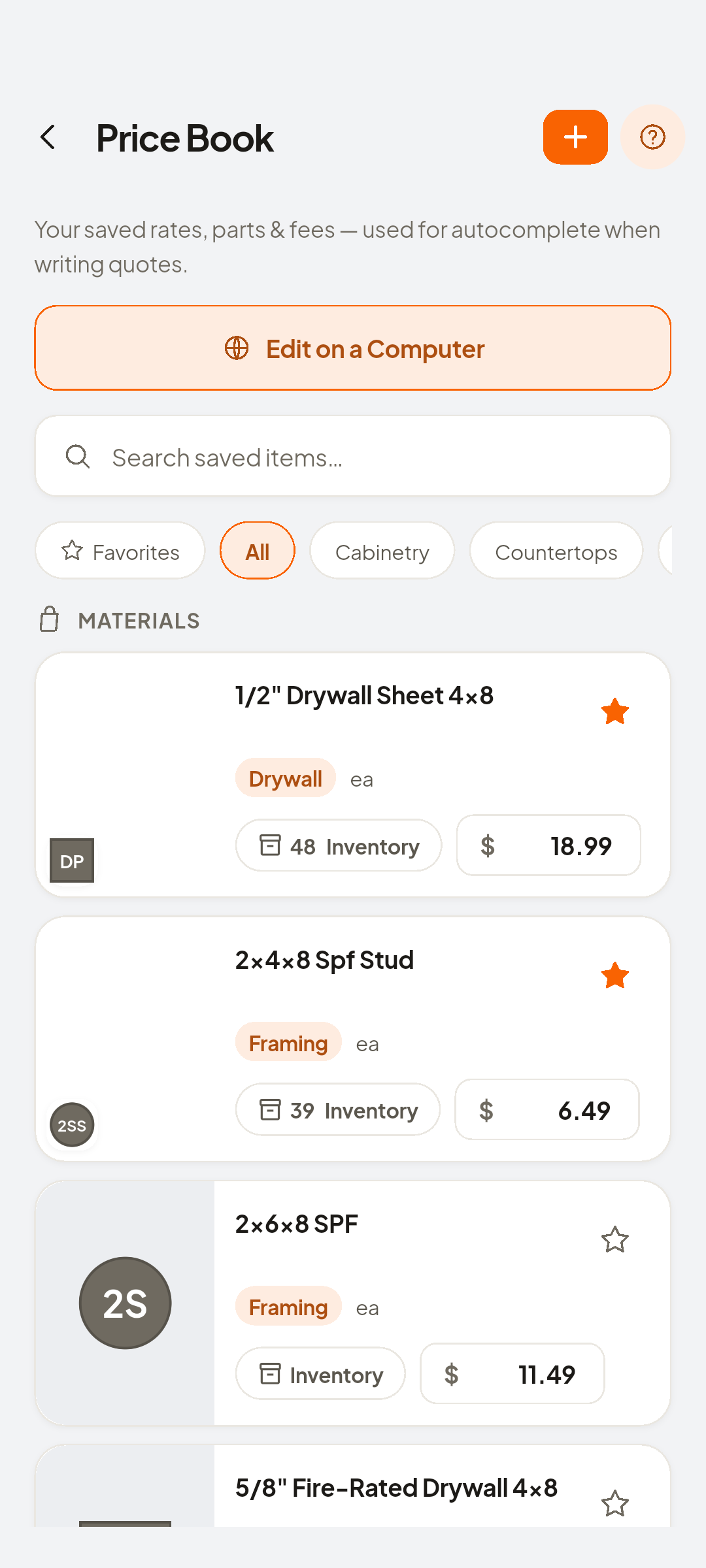
The Price Book holds your saved rates, parts and fees. Every item autocompletes into quotes and invoices with its unit and price already filled.
Do this
Start on Price Book
- More
Same items retyped, price drifts
Look at Home
- Price Book
Open the Price Book
Look at Add Saved Item
- Add Saved Item
A smoke alarm, supplied and fitted
- Fill inItem Name · Item Category · Unit · Price
Name the item
Look at Save
- Save
One price, every time
Look at Smoke alarm — supply & fit · $95.00
- Docs
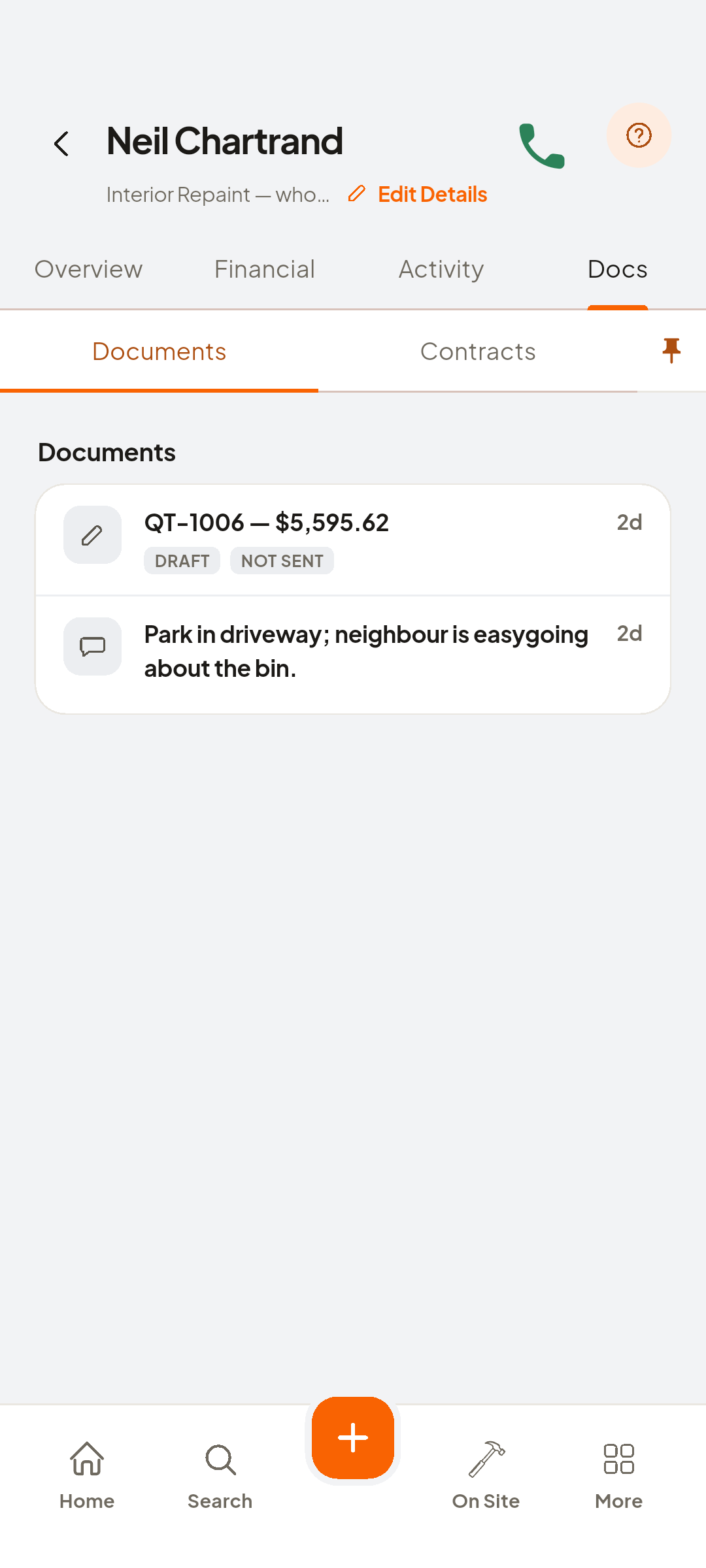
Scroll to Neil Chartrand · Interior Repaint
Look at Edit on a Computer
- New Quote
Now a new quote
- Add Item
Type "smoke"
- Smoke alarm — supply & fit
Smoke alarm, supply & fit
Look at ea
- Add
Entered once, quoted everywhere
Look at new line under LINE ITEMS


You now have
Entered once, and quoted on every job after that.
 ZEUS
ZEUS