Guide 19
Scan a receipt at the counter
Photograph the receipt at the counter, and it is filed
The problem
By Friday the receipt is a ball of paper in the truck door. Some belong to a job, some are the cost of running the company, and nobody can tell which.
What Zeus does
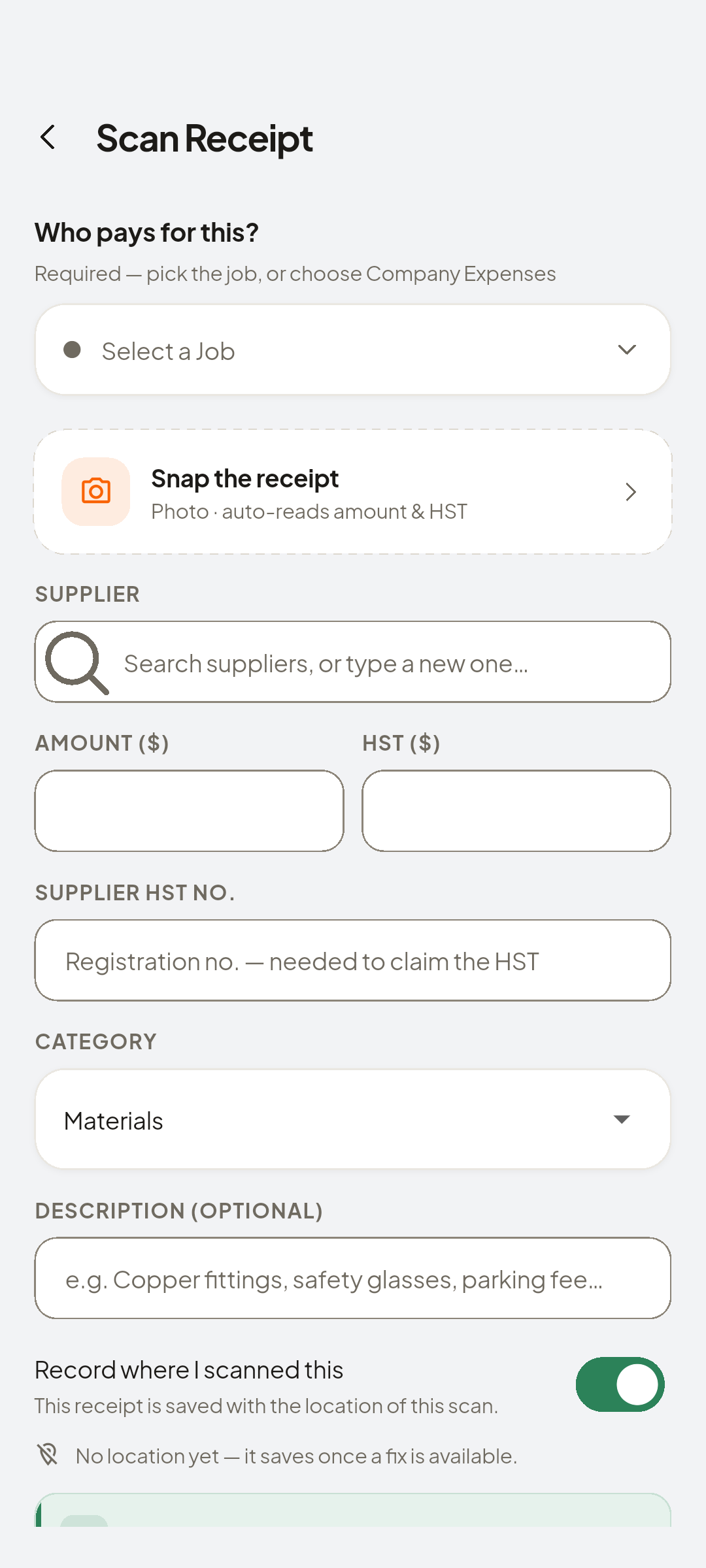
Scan it at the counter. The amount and tax are read from the photo for you to check, and it files to the job or to the company.
Do this
Start on Home
- Scan Receipt
Don't pocket it, tap Scan Receipt
- Camera
Scroll to Neil Chartrand · Interior Repaint
- Supplier
Auto-filled from your receipt. Double-check the values
Look at Auto-filled from your receipt. Double-check the values.
- Save
Supplier, then Save
Look at Expense saved to Interior Repaint
- Receipts
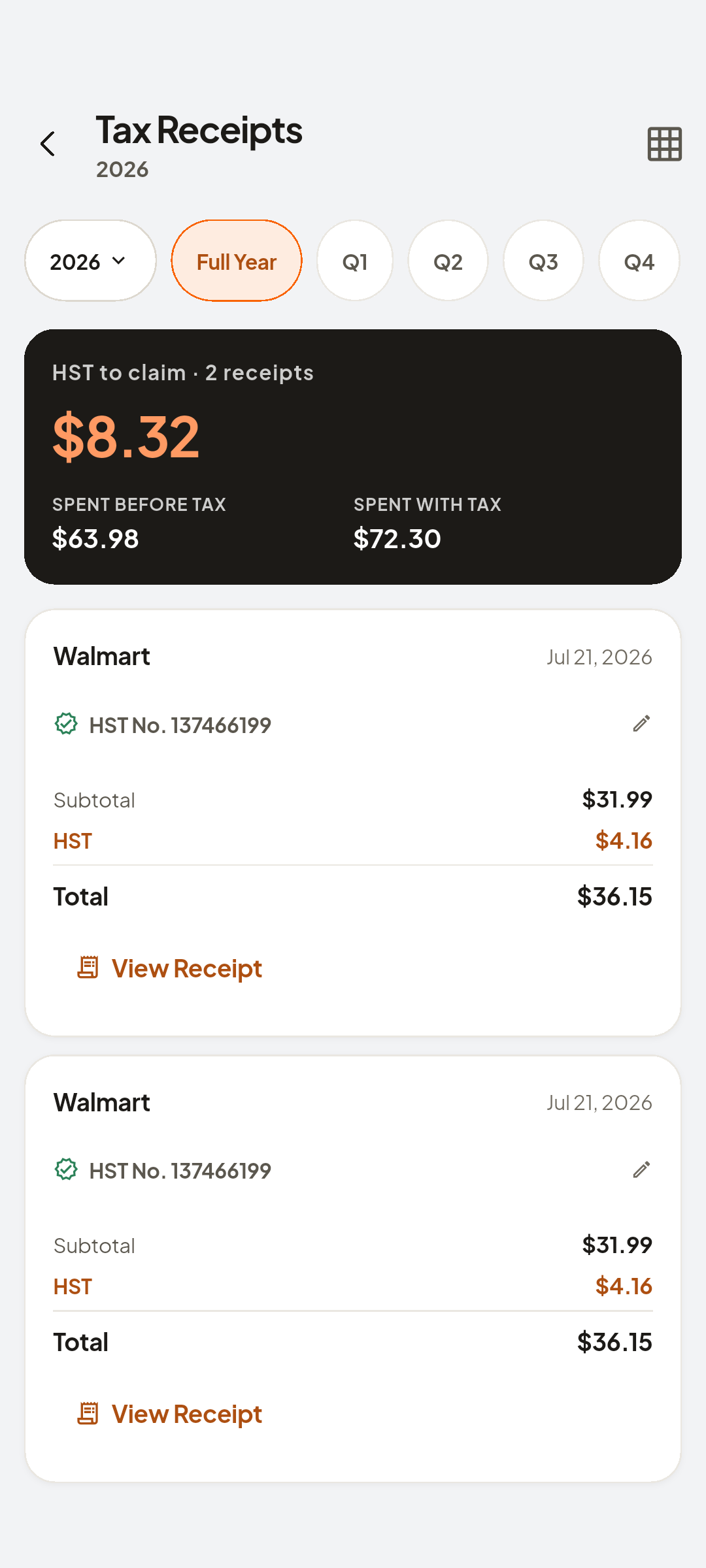
Open the job and the receipt is there under Financial
- Costs
Job cost up by that receipt
Look at COST


You now have
One photo, and both the receipt and its cost are in place.
On screen, not tapped: money band
 ZEUS
ZEUS