Guide 22
Clock in, clock out
Hours against the job, from each person's own phone
The problem
Your crew is on three sites and on Friday you rebuild the week from text messages. Did they start at seven or eight, and on which job?
What Zeus does
Team members clock in and out against a job from their own phones, with GPS on both ends. Each entry lands on that job's Timesheet.
Do this
Start on Home
- Create
Clock in from the orange button
- Clock In
Is time against a job, so it asks which job
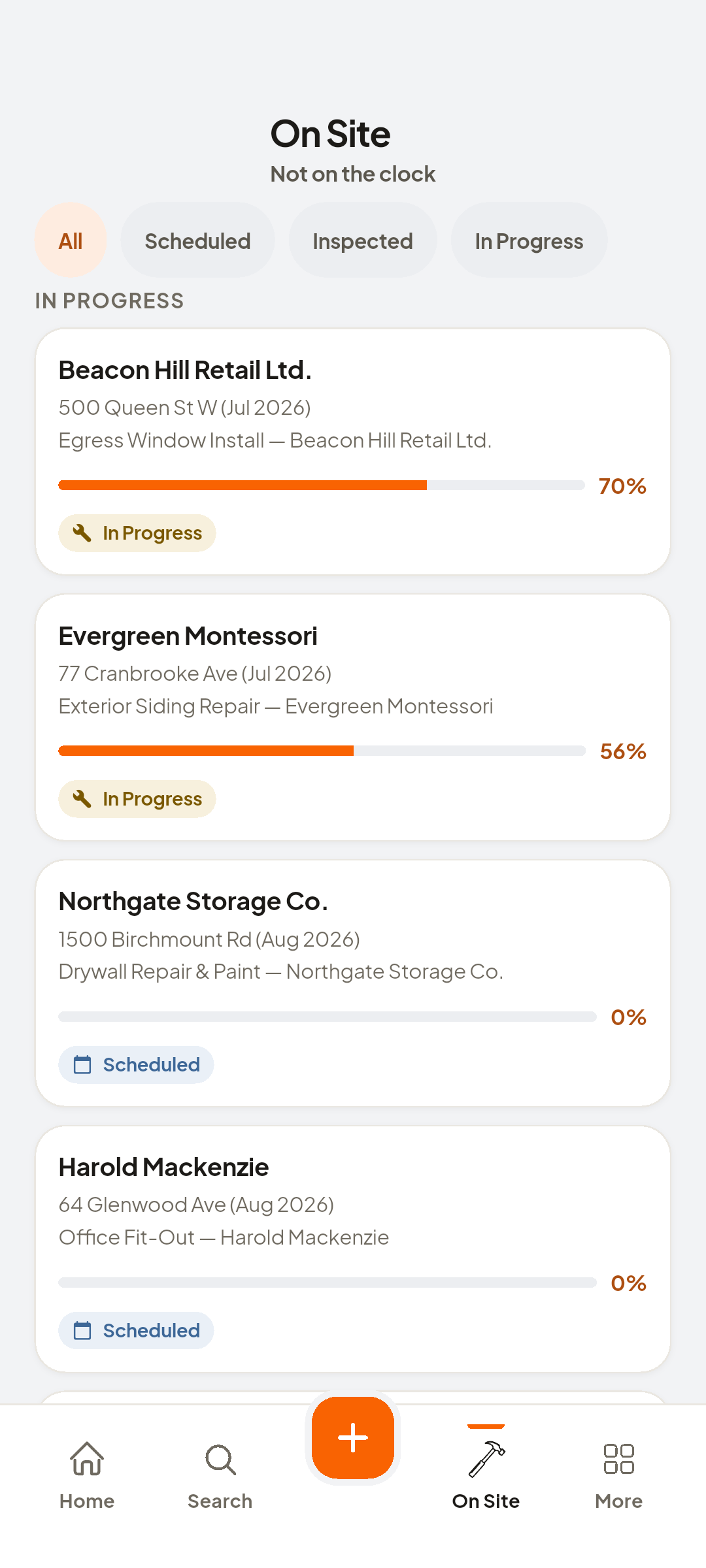
- Neil Chartrand · Interior Repaint
Pick it, and the time and location are stamped: seven o'clock
Look at time and location stamp
- Create
Active Job · Interior Repaint · H:MM:SS
Look at Active Job · Interior Repaint · H:MM:SS
- Clock Out
Is the same button, the same way
- Clock Out
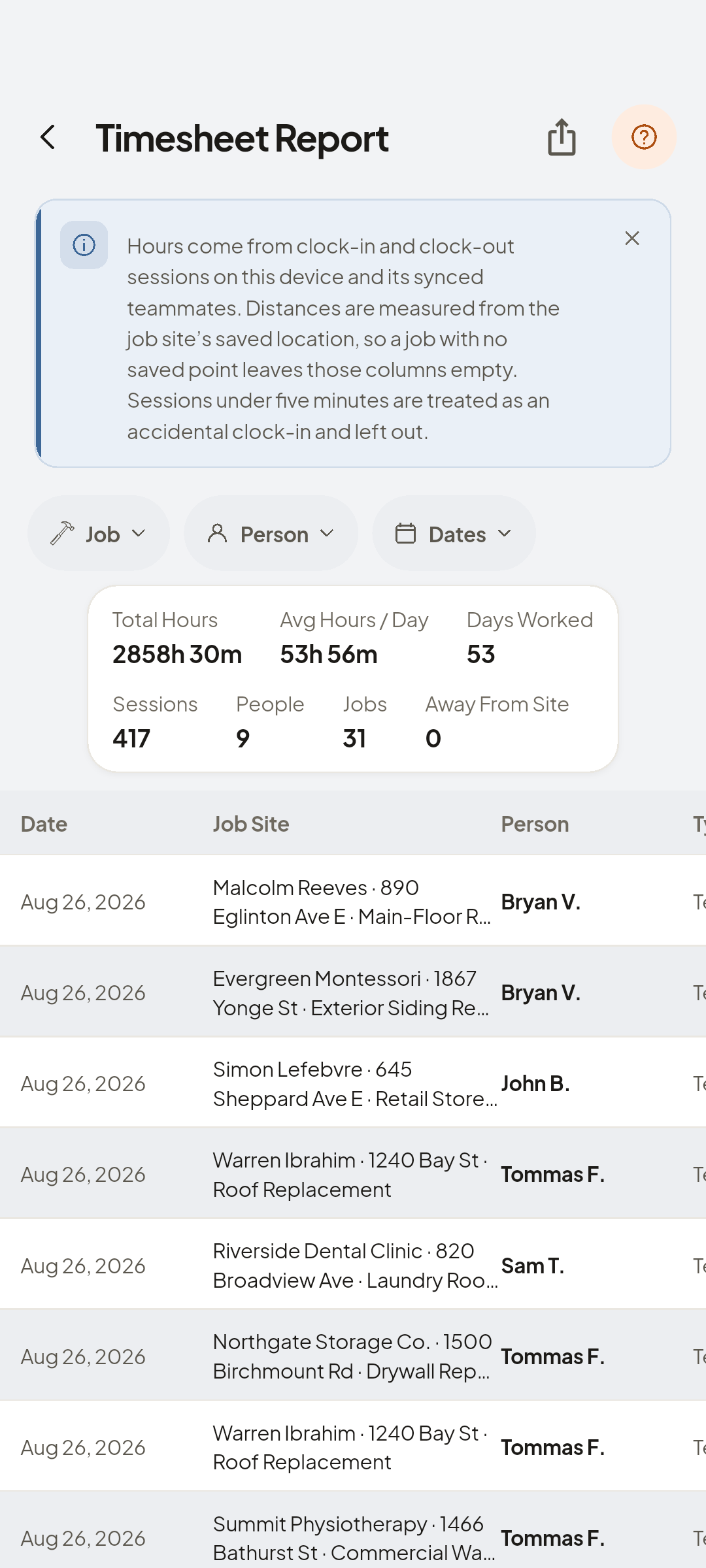
And the entry lands on the job's Timesheet
- Timesheet
Under Activity, Timesheet: who, in, out, and hours


You now have
Hours on the job, and where each stamp was recorded.
On screen, not tapped: entry — person
 ZEUS
ZEUS