Guide 25
Track a casual helper and their job cost
A casual helper's day, costed onto the job
The problem
A helper works two days a week. Not staff, but those days cost money, and if they never land on the job, the job looks more profitable than it was.
What Zeus does
Save a helper's default rate once. Adding a day to a job is Add day, pick the helper, Save, and it lands in that job's costs.
Do this
Start on Team
- More
Sam's days never hit the job
Look at Home
- Team & Helpers
That cost belongs on the job, so Team & Helpers
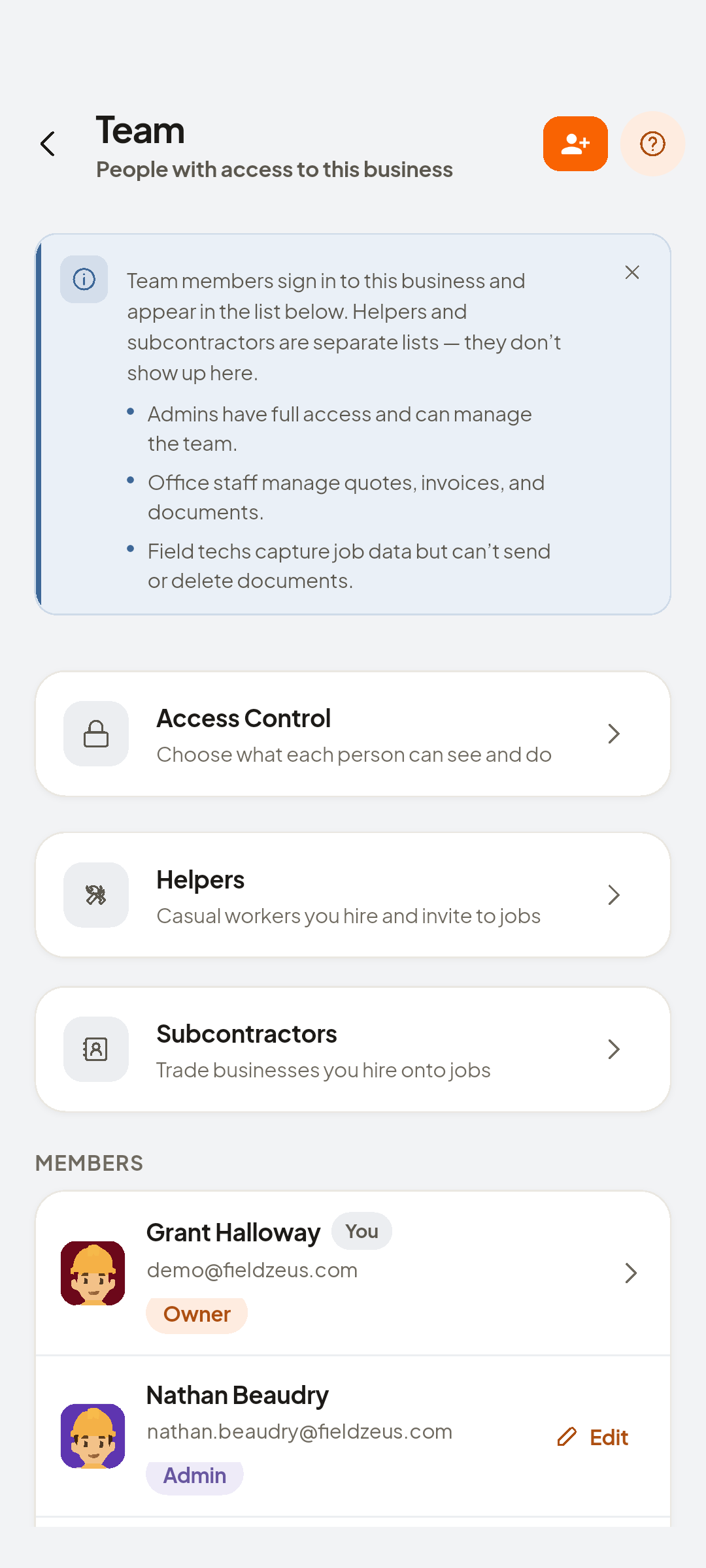
- Helpers
The list for that
- Add Helper
Add him once
- Fill inName · Phone · Hourly rate
Name and phone
Look at Daily rate
- Save
Saved with a default rate
Look at Helper added.
- Financial
Put his day on a job
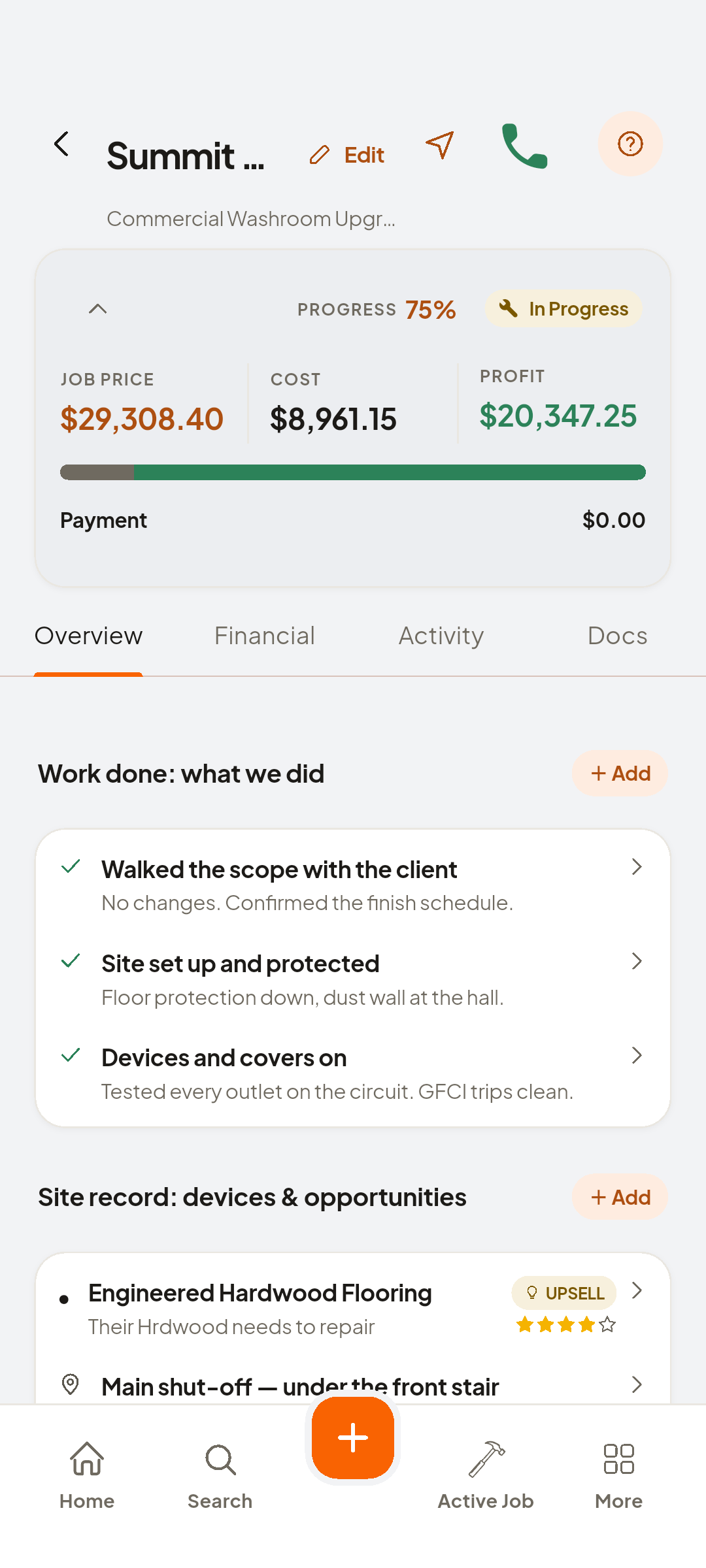
- Costs
Financial, Costs
- + Add day
Add a day
- Sam Reyes
Pick Sam, and his daily price is already filled in
Look at Daily price
- Save
Profit now includes Sam


You now have
The helper's day is in the cost total, so profit is honest.
 ZEUS
ZEUS