Guide 06
A tour of the job page
One page that holds everything attached to a job
The problem
Months in, the questions pile up: what did we agree, what has it cost, where are Tuesday's hours, where is the invoice? Four apps means an evening of digging.
What Zeus does
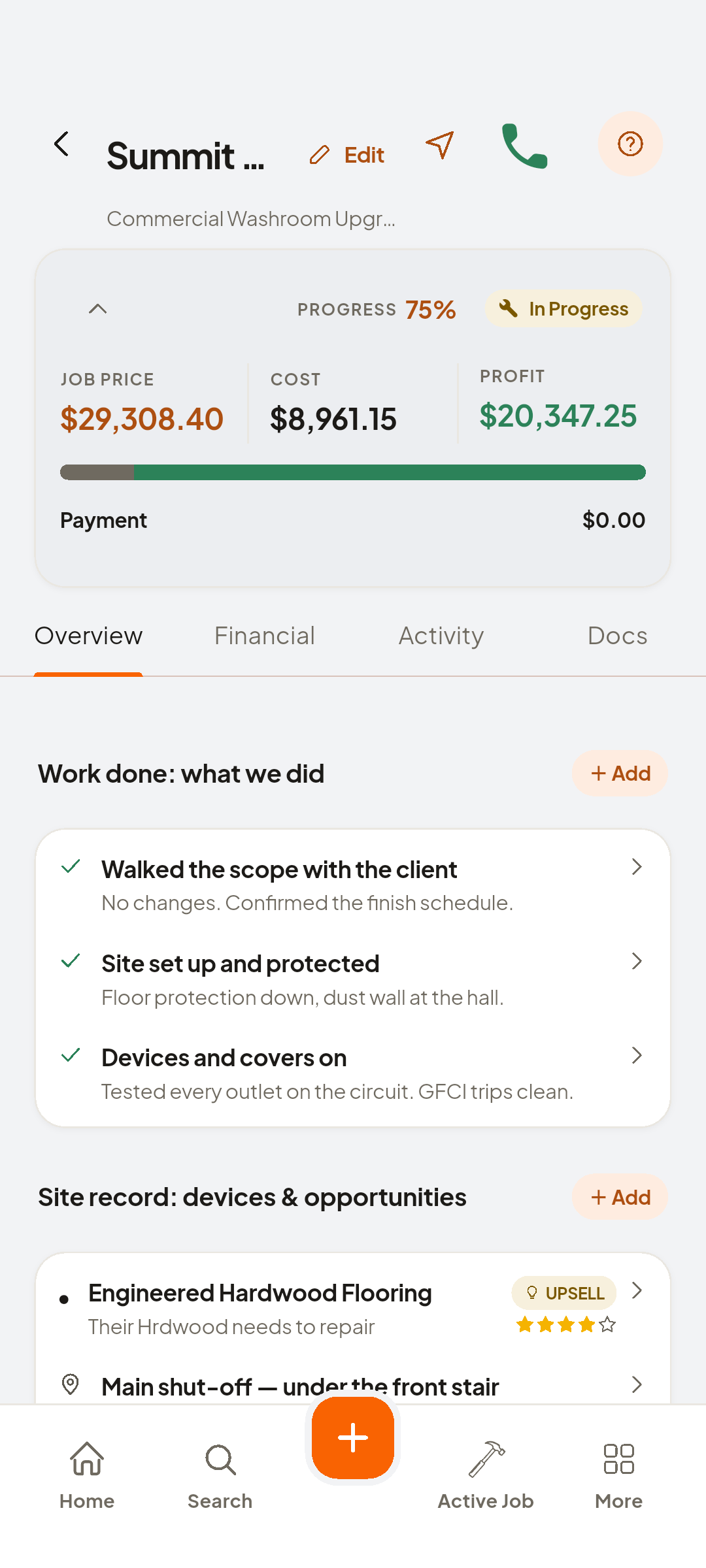
The job page is a money dashboard with four tabs underneath: Overview, Financial, Activity and Docs. Everything you attach lands in one of them.
Do this
Start on Job page
- Interior Repaint — whole home
Interior Repaint, whole home
- Overview
Work done and site records
Look at Work done
- Financial
Costs, price, payments, receipts
- Job Price
The confirmed quote
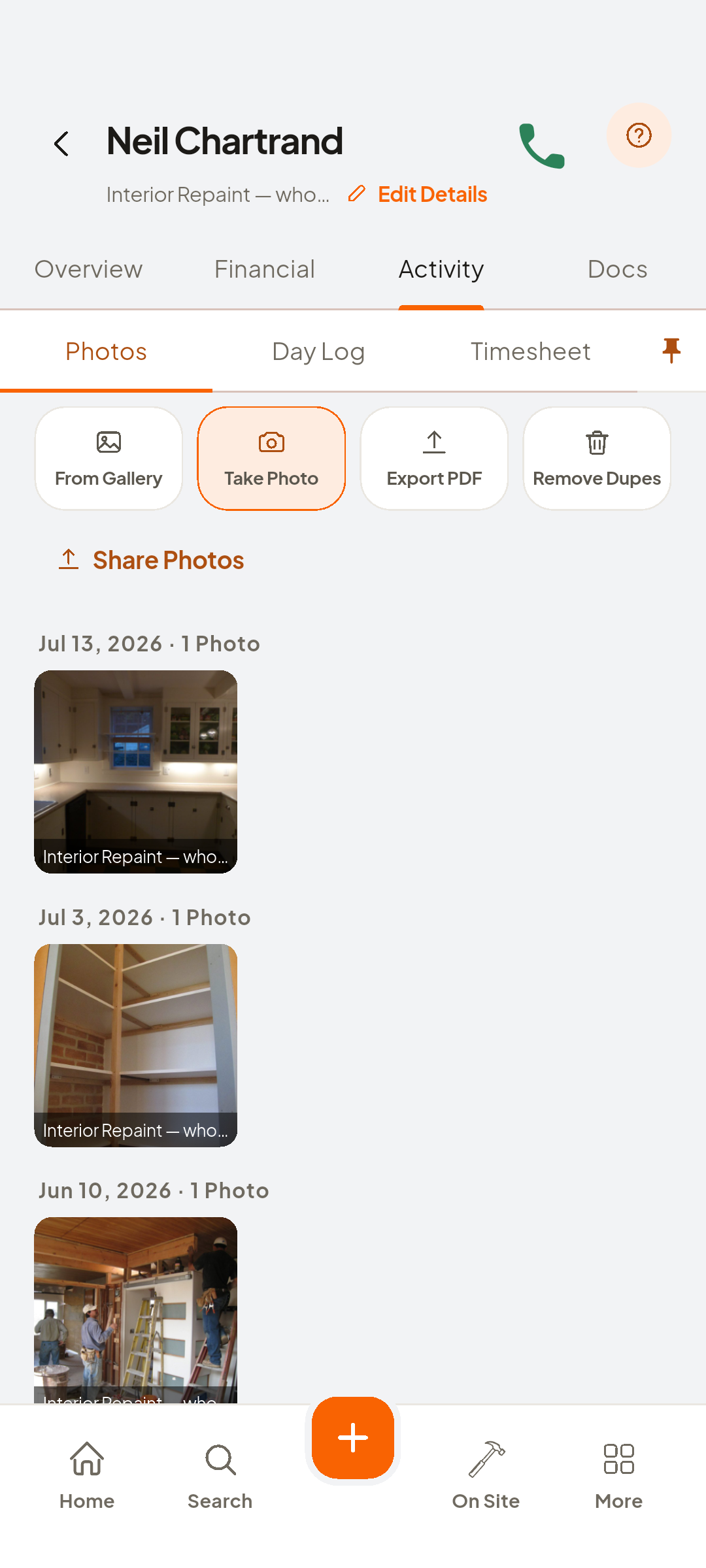
- Activity
Photos, day log, hours
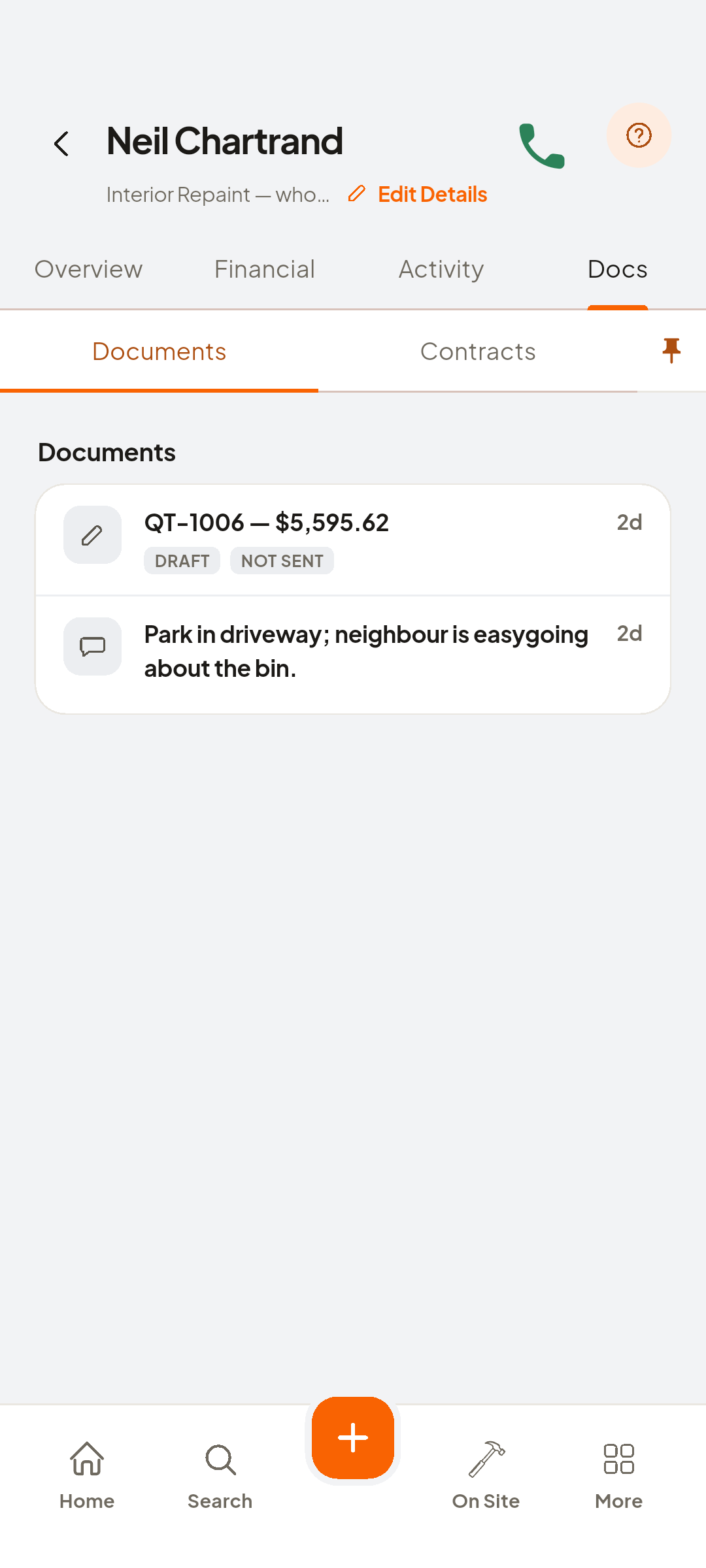
- Docs
Quotes attached to this job


You now have
One page: the agreement, the money, the work, the documents.
On screen, not tapped: Invoiced as INV-…
 ZEUS
ZEUS