Guide 07
Make a quote
A written price, off your saved rates, on the job
The problem
You walked the basement and the client wants a number. Right now the price is a text message and mental math, and unwritten numbers get argued about later.
What Zeus does
Start a quote from the orange Create button, pull items from your Price Book with unit and price filled in, and it files itself on the job.
Do this
Start on Quote
- Create
Look at Home
- QuoteFrom Price Book
To start
- Attach a Job
- Add Item
Pick the basement job, and the client and address fill themselves in
- Type intoType or Pick from Price Book
Type a few letters
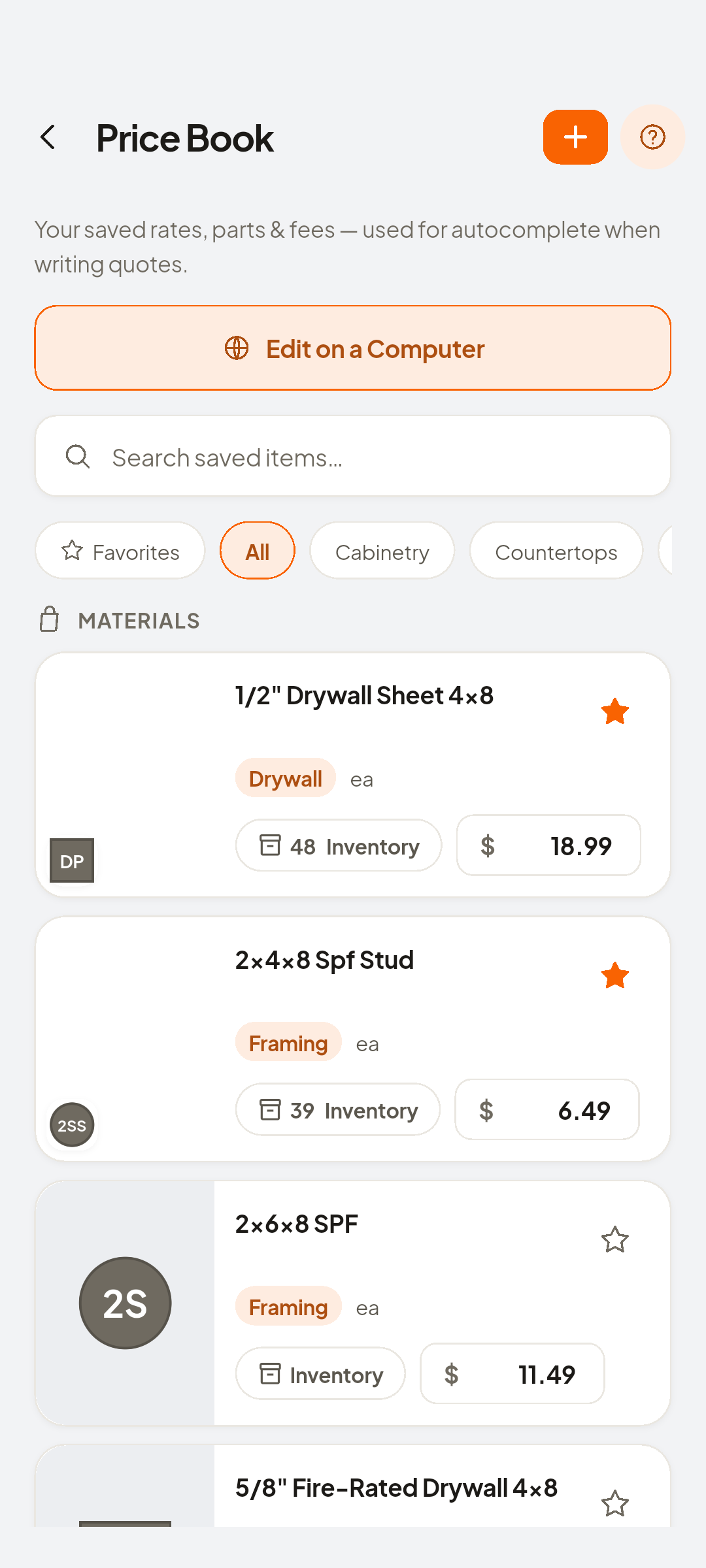
- 1/2" Drywall Sheet 4x8
Unit and price fill automatically
- Type intoQty
Set the quantity
- Add
To insert the line
- Save & Preview
Save and Preview
Look at Email Quote
- Docs
A priced draft under Docs
Look at QT-… · Draft · not sent
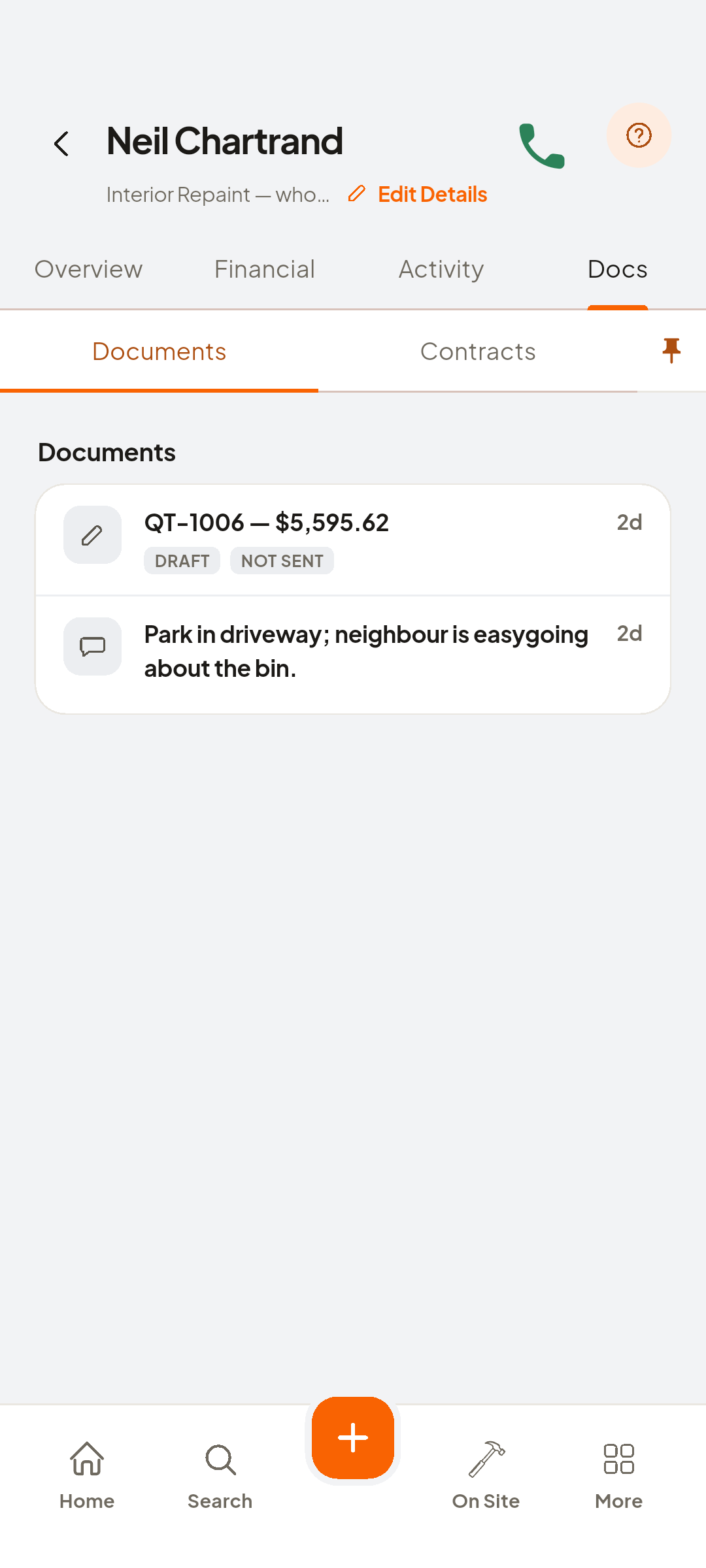


You now have
A priced draft, waiting under the job's Docs.
 ZEUS
ZEUS