Guide 40
From a drawing to a quote
Quote straight off the architect's drawing
The problem
A client sends an architectural drawing and wants a quote. You print it, mark it with a highlighter, count twice, retype it, and the team never sees which wall you meant.
What Zeus does
Upload the drawing to the job and place Price Book items straight onto it. The items you placed become the quote's lines.
Do this
Start on Plan PDF
- Docs
Scroll to Douglas Pham · Basement Finishing
Look at Home
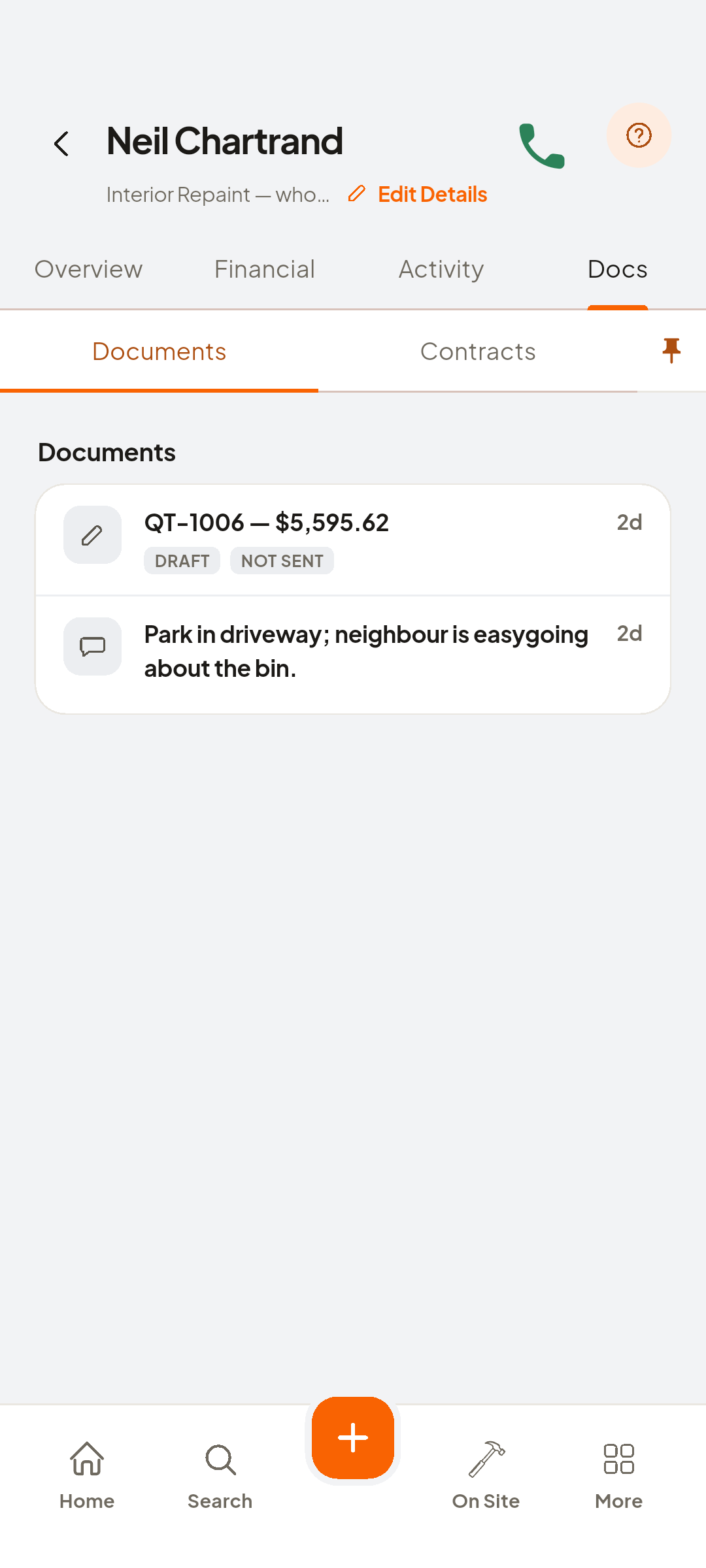
- Upload Plan PDF
Docs, Upload Plan PDF
- Open Plans
And the drawing renders
Look at level selector
- 1/2" Drywall Sheet 4x8
Double-tap, pick from Price Book
- 1/2" Drywall Sheet 4x8
Place it where it goes, three markers, three items
- Add Photo
Pin a photo for the framer
- Review Measurements
Lists the items you placed on the plan
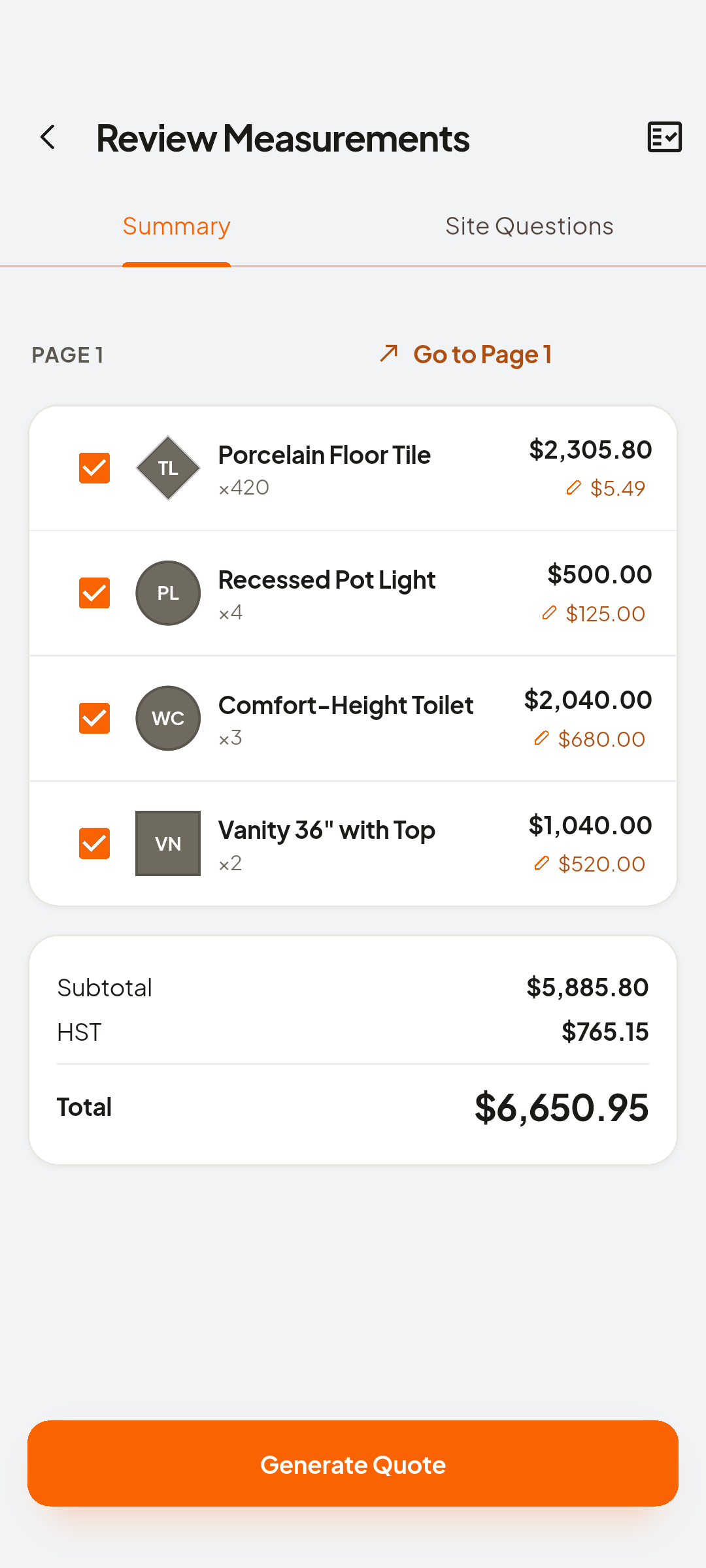
- Generate Quote
And the items placed on the plan become quote lines
- Save & Preview
Save, and back on Docs the drawing and its quote sit together


You now have
From the architect's PDF to a quote on the job.
On screen, not tapped: new quote row
 ZEUS
ZEUS