Guide 39
Pin a note or a photo on a drawing
Pin what you found to the exact spot on the drawing
The problem
The basement wall is forty centimetres east of where the architect drew it. You found out with a tape measure; the framer finds out tomorrow.
What Zeus does
Open the drawing on the job, double-tap the spot, and pin a note or a photo there. Anyone who opens it sees the pin.
Do this
Start on Plan PDF
- Docs
Scroll to Douglas Pham · Basement Finishing
Look at Home
- Documents
Open the job: Docs, Documents
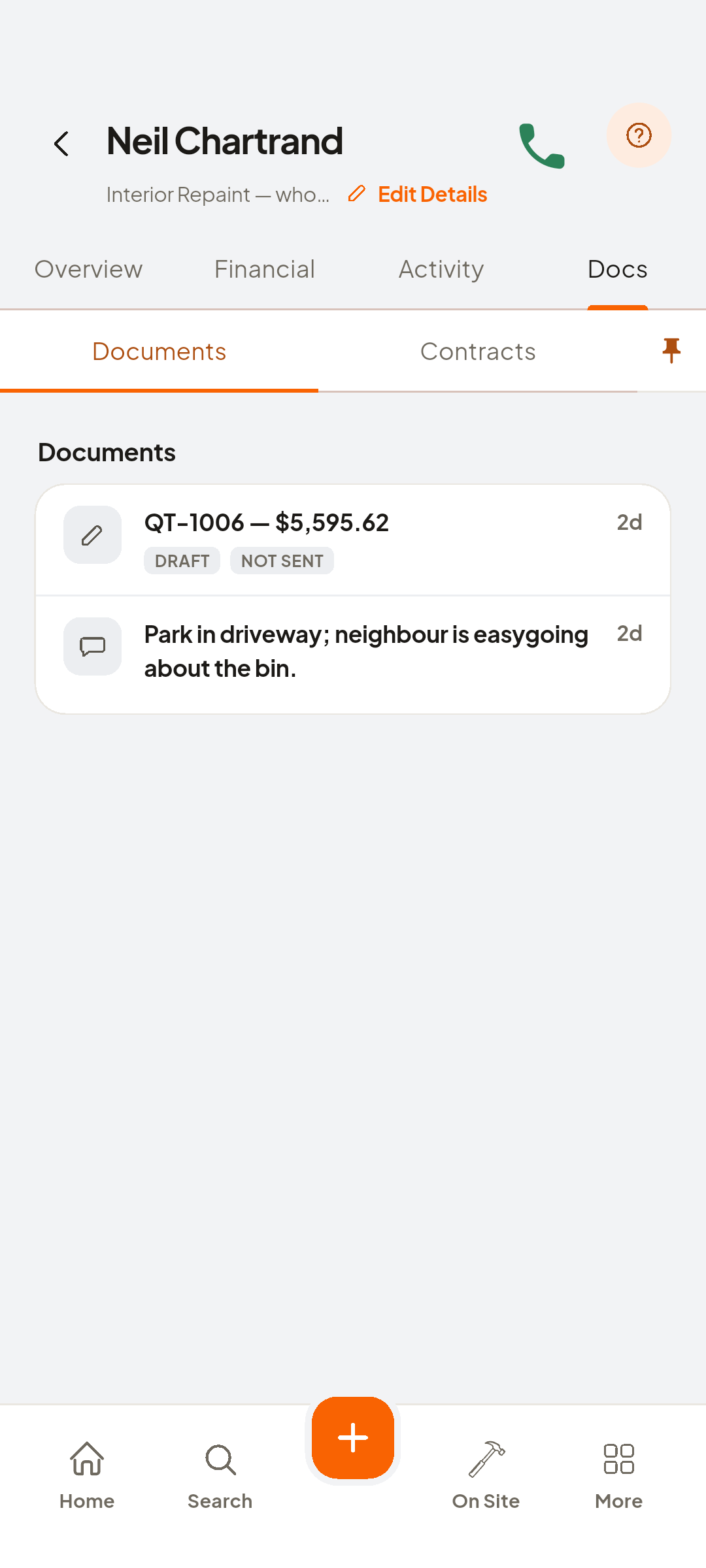
- plan
Tap the plan row
- Add Note
Double-tap the spot, Add Note
- Type intoAdd Note
Type what you found
- Save
The pin is placed
- Add Photo
A second pin
- note pin
Tap the note pin
- photo pin
Tap the photo pin
- back
The plan row just updated

You now have
The context stays on the drawing, for whoever asks later.
On screen, not tapped: plan
 ZEUS
ZEUS