Guide 38
A showroom of your best work
Your best work, filtered to what this client is buying
The problem
You are sitting with a client who wants a whole house repainted, and you are scrolling your gallery past everything you have ever photographed.
What Zeus does
Star a job's best photo into the Showroom, tag it by the type of work, and filter to exactly that. Export a PDF with the addresses hidden.
Do this
Start on Showroom
- Activity
Scroll to Neil Chartrand · Interior Repaint, whole home
Look at Home
- Photos
Open the job's photos
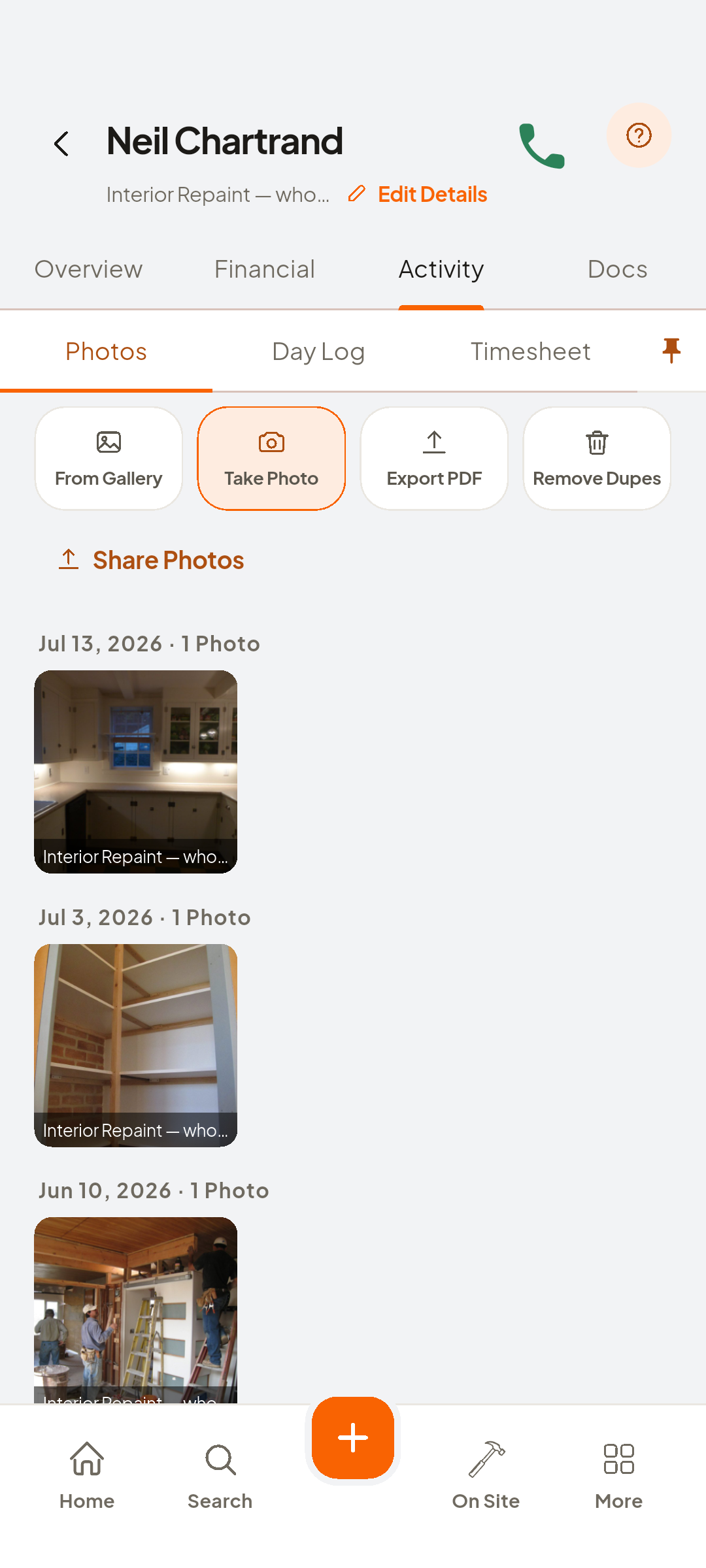
- Add to Job Showroom
Star it, Add to Job Showroom
- Job Showroom
The Job Showroom: ninety-four starred photos, each with its job
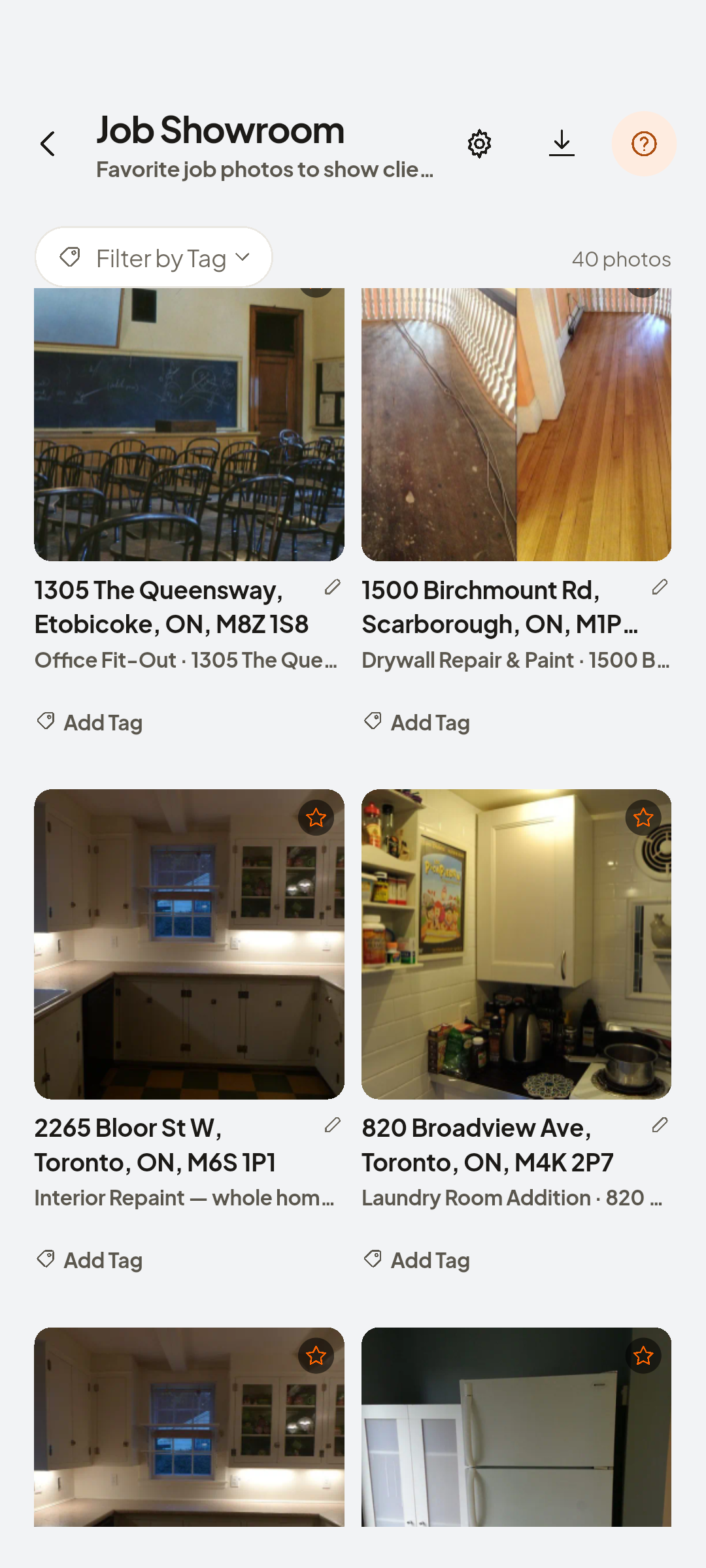
- Add Tag
Tag it: Paint
Look at Paint
- Filter by Tag
Then Paint
- Show All Tags
Brings everything back
- Job Showroom Settings
Switch Show Job Address off
- Export PDF
Opens your phone's share sheet


You now have
Your best work, sorted by what you sell.
On screen, not tapped: Job Showroom
 ZEUS
ZEUS