Guide 34
Record the equipment at the site
Next year's phone call becomes a thirty-second lookup
The problem
A year after the job the client calls: something tripped, where is the shut-off, what did you install? You remember the job, not the model number.
What Zeus does
A Site record stores the device, model, age, warranty, a label photo and where it is, kept on the job for later lookup.
Do this
Start on Add site record
- Type intoJobs In Progress
A year later, which panel?
- Overview
Open the job
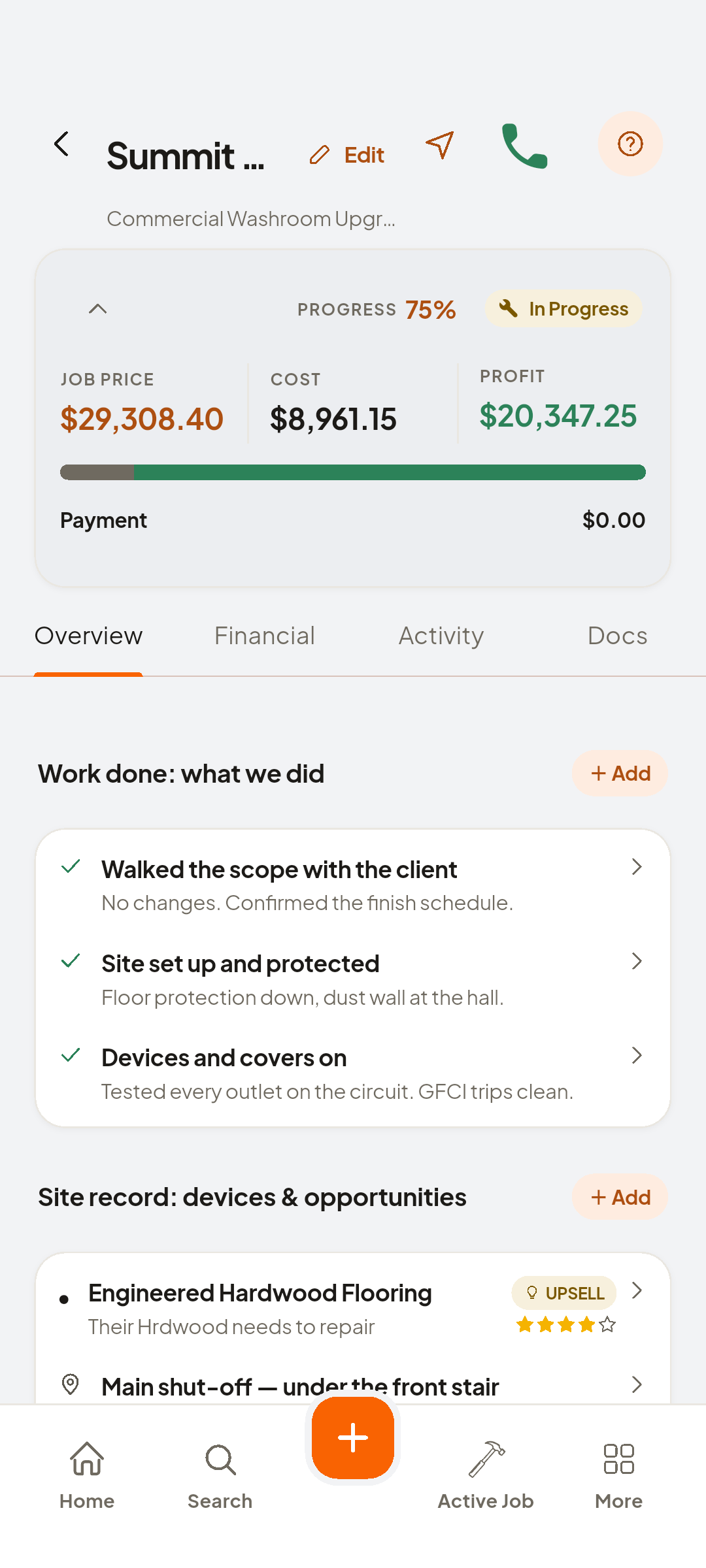
- + Add
Tap Add
- Fill inDevice or item · Model number
Device and model number
- Fill inAge · Warranty
Age and warranty
- Camera
The label photo sits beside the details
- Save
Saved on the job
Look at Site record: devices & opportunities

You now have
This site's equipment, kept where the job is.
On screen, not tapped: Site record: devices & opportunities, saved record
 ZEUS
ZEUS