Guide 33
Write today's day log on a job
A dated diary of the job you never have to remember
The problem
The inspector asks what day the north wall was primed and how many were on site. The client asks about the rainy Wednesday. The proof is in four heads.
What Zeus does
The Day Log is the job's diary: one entry a day with a head count, the weather, a photo and a line of text, beside the day's hours.
Do this
Start on Home
- Type intoJobs In Progress
Which day, and how many on site?
- Activity
Open the job
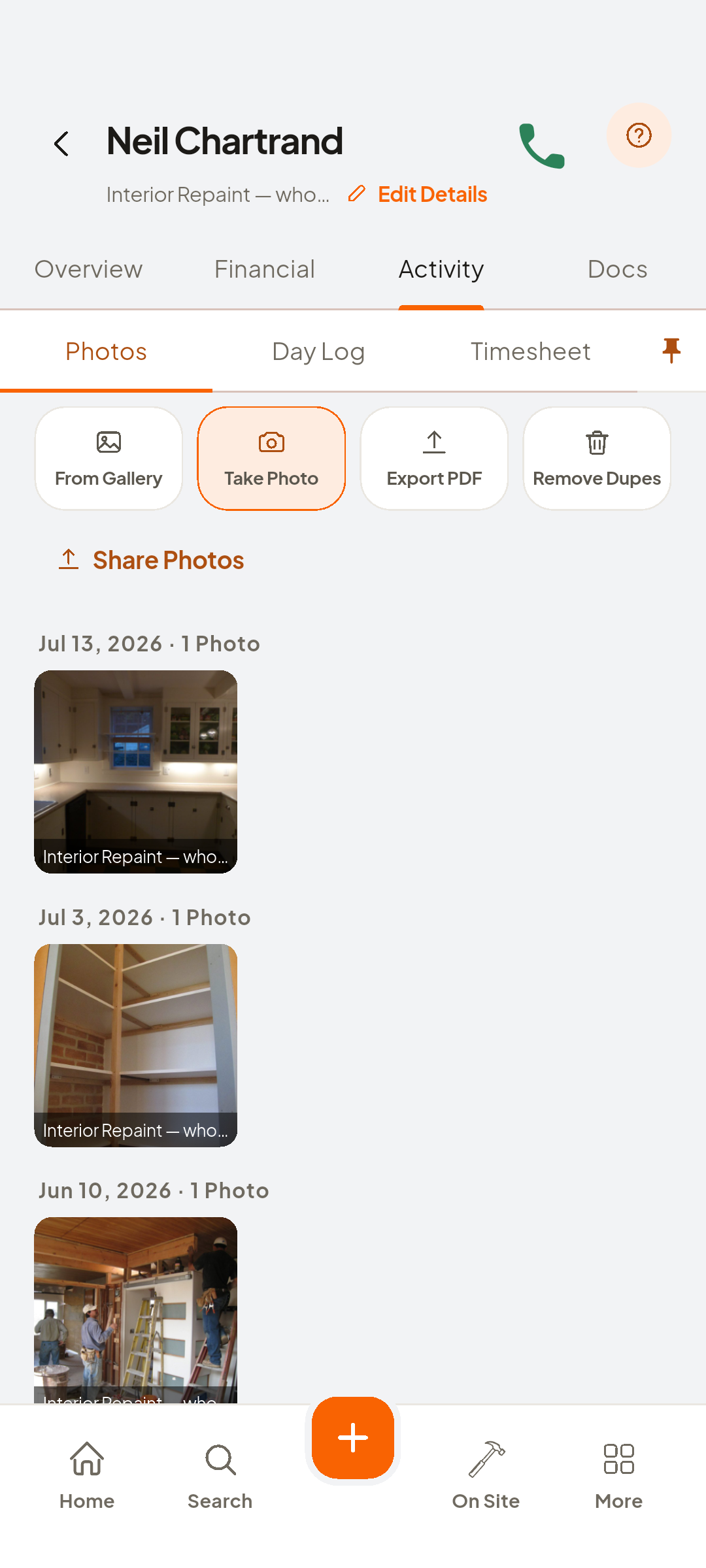
- Day Log
Activity, then Day Log
- + Log today
Tap Log today
- Type intoDescription
What happened today
- One More
For each person on site
- Clear
The weather is your answer
- Gallery
Then photo in the picker
- Save
Saved to the tracker, dated
Look at Day-by-day tracker
- Timesheet
Sits beside Day Log
Look at today's hours
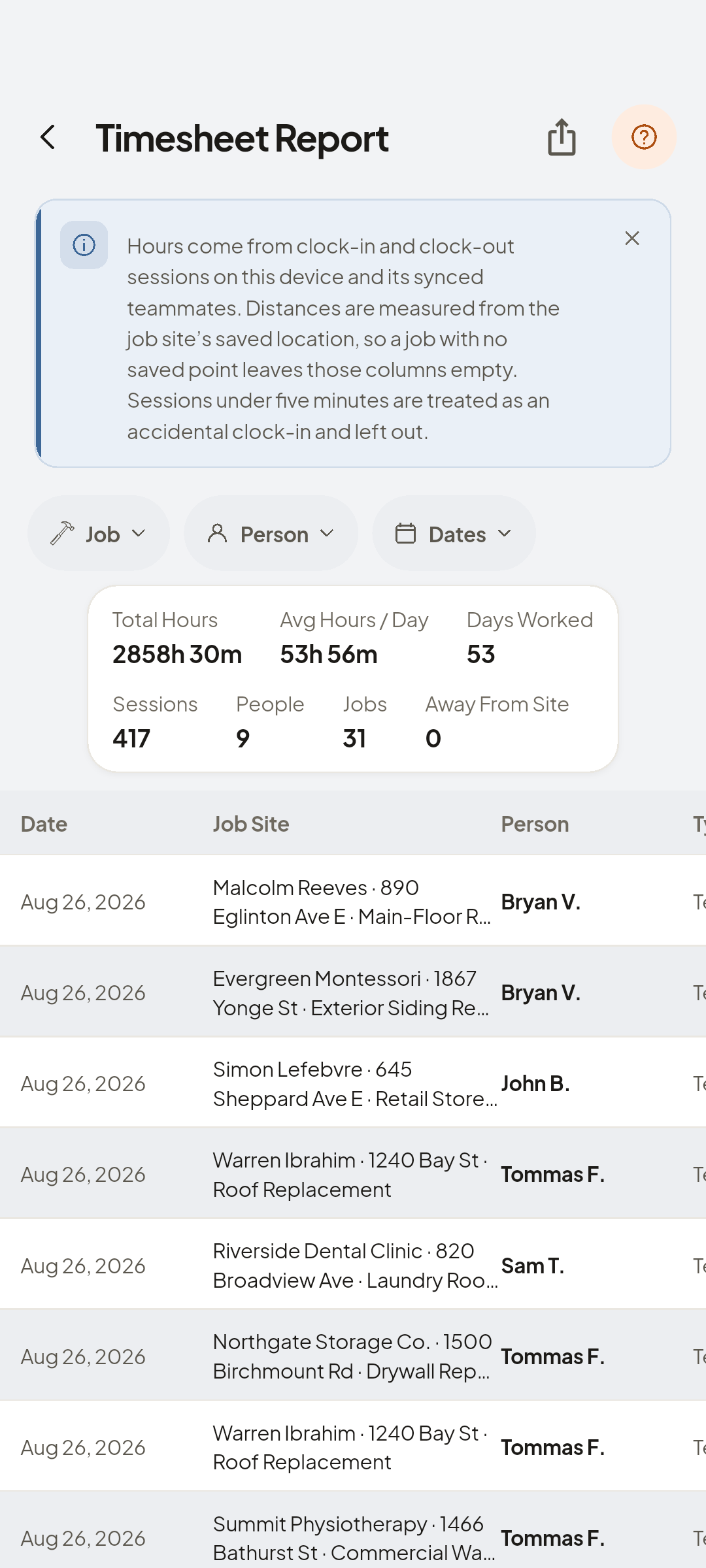
- Day Log
A diary you never have to remember


You now have
A diary of the job, sitting beside the hours.
 ZEUS
ZEUS