Guide 09
Send a quote and get it signed
The client's signature, in person or across town
The problem
A spoken “go ahead” is hard to prove when a job goes sideways. You need a name on the quote before you order material.
What Zeus does
The client signs with a finger on your phone, or you send a signing link they open anywhere. Either way the quote flips to Confirmed.
Do this
Start on Quote
- Harold Mackenzie · Office Fit-Out
Open Harold's job
- Docs
On the job
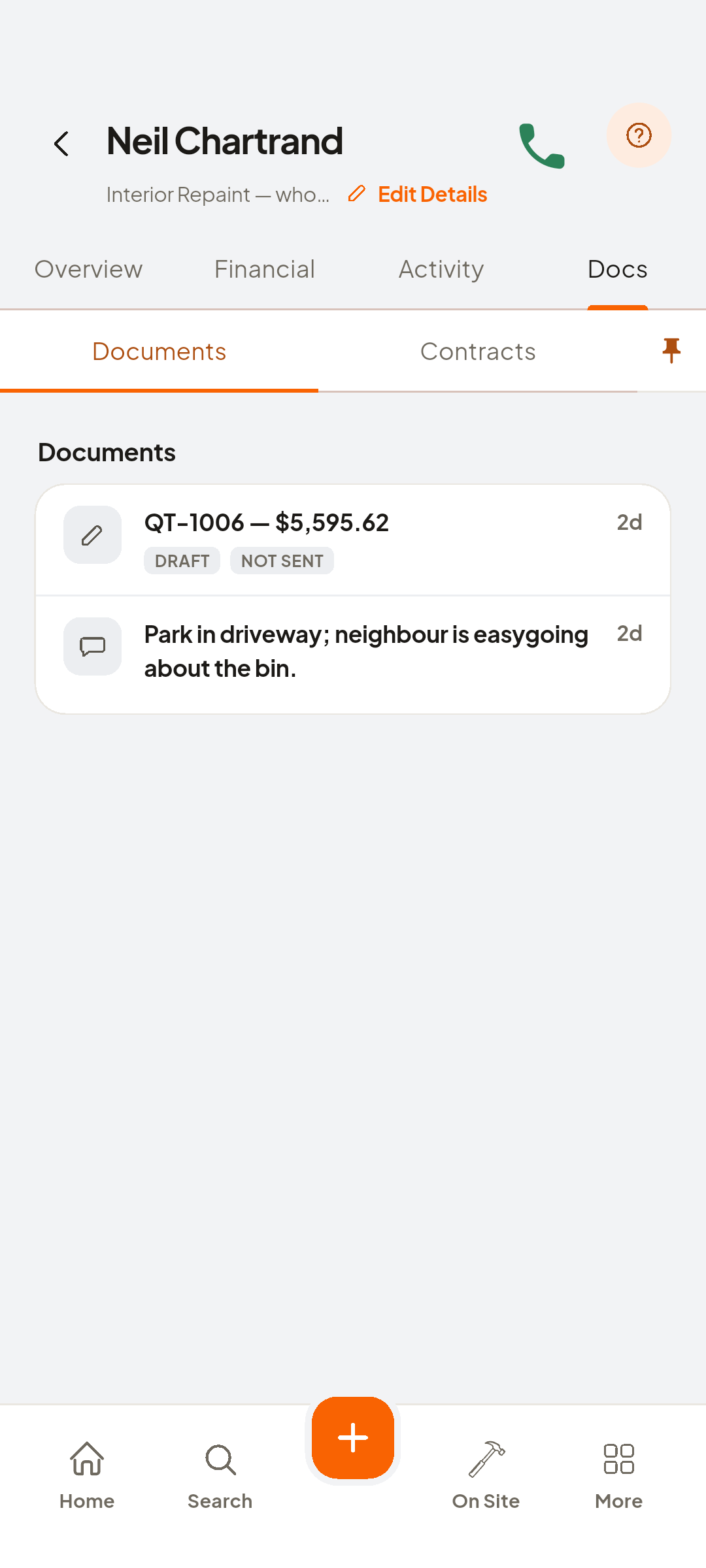
- Type intoQt-1009
Open quote QT-…
- Send a Link to Sign Remotely
- Create Signing Link
Create the link, then share it
- Tap to sign
On your phone
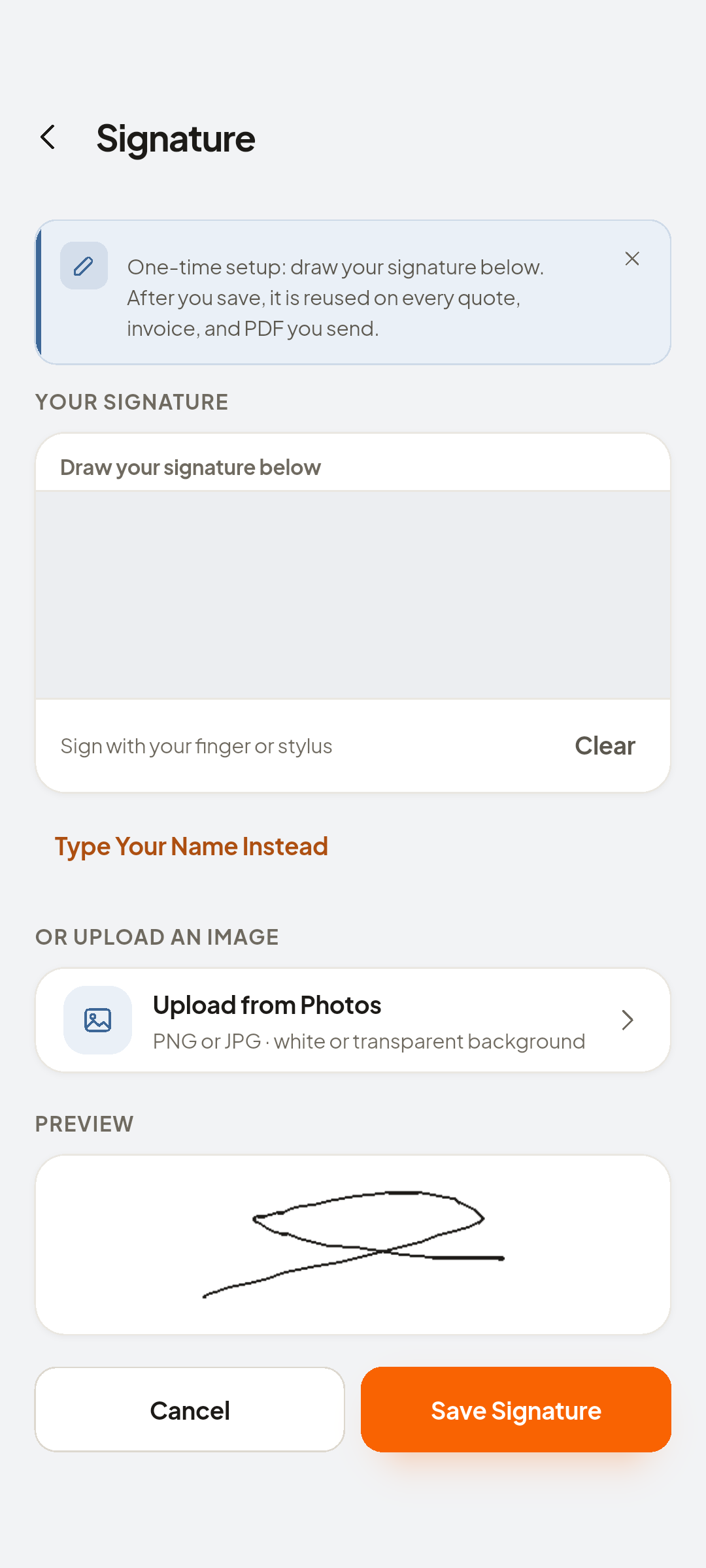
- Done
Sign, then tap Done
- back arrow to the job page
Confirmed at the top
Look at Confirmed
- Financial
And under Financial, that confirmed quote is now the job's price


You now have
Confirmed, and that quote is now the job's price.
 ZEUS
ZEUS