Guide 32
Log what you did before you leave the site
Thirty seconds in the van, and the day is recorded
The problem
It is half four, the van is packed, and you replaced six panels today. In three weeks, what exactly you did on the fourteenth is a guess.
What Zeus does
Work done on the job page is a dated record with a photo, written in thirty seconds and kept on the job for the team.
Do this
Start on Add work done
- Overview
Scroll to Evergreen Montessori · Exterior Siding Repair
Look at JOBS IN PROGRESS
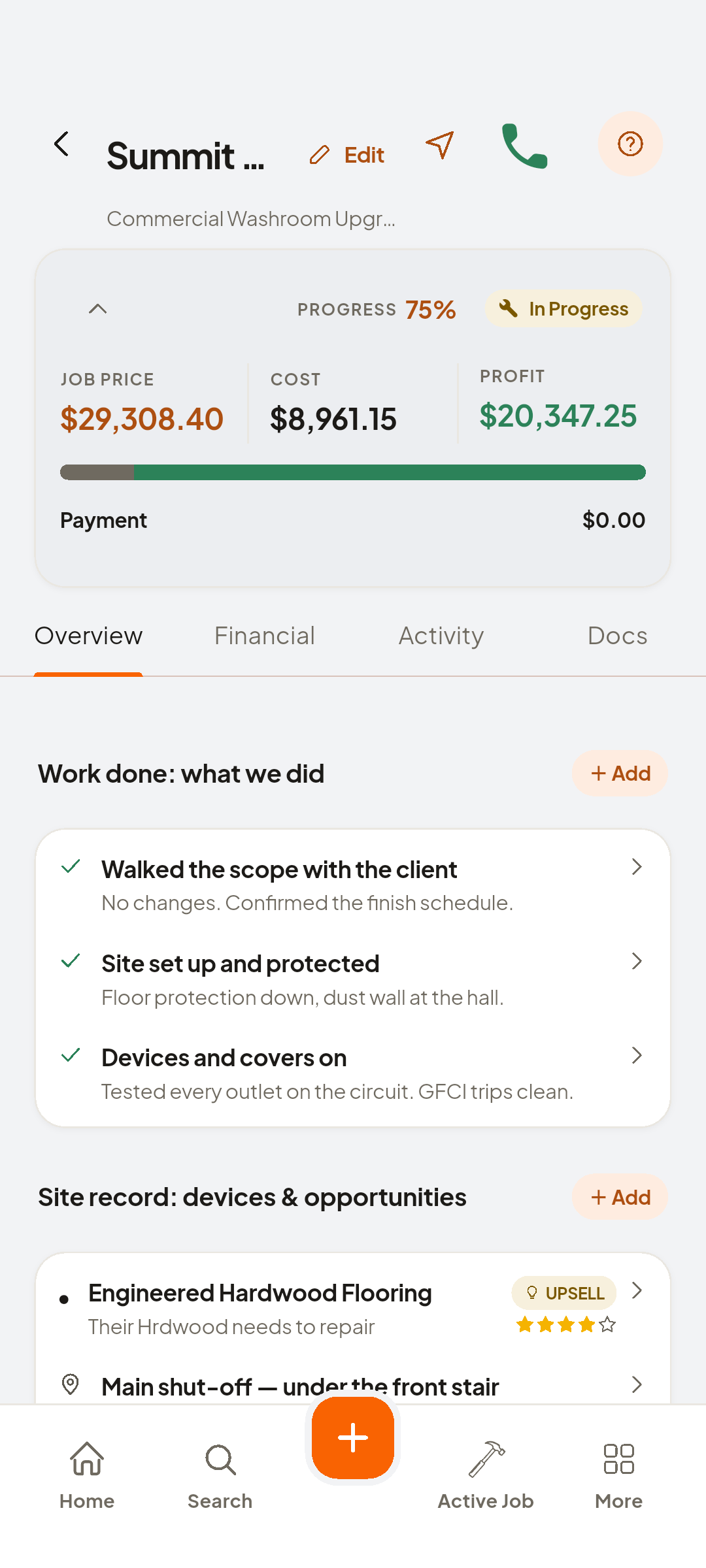
- + Add
Add under Work done: what we did
- Type intoJob item
The item, from your library or typed
- Type intoDescription
One line on what you did
- Photo
Add the photo
- Save
And it's kept on the job for the team to reference

You now have
The fourteenth is on the job, and no longer a guess.
On screen, not tapped: Work done: what we did
 ZEUS
ZEUS